



Handling Multiple Calls
You can have more than one call going at once. Only one call is "active" (the one you can hear and speak on); any others are held.
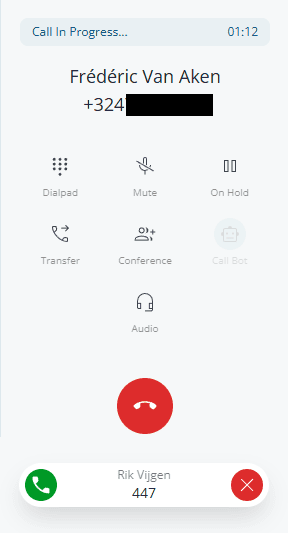
- Put the current call on On Hold, then place or answer another call. The first call appears as a held call bar.
- Tap the Resume button on a held call bar to switch to it; the previously active call is automatically held.
- Tap the red phone icon on a held bar to drop just that call.
- To bring multiple parties together into a single conversation, use Conference.